

If your instructor hands out a syllabus PDF, StudiFoca can read it and suggest a course to add — instead of typing in the title, meeting times, and instructor details by hand.
Starting an import
From a term’s … menu, choose Import Course from Syllabus.
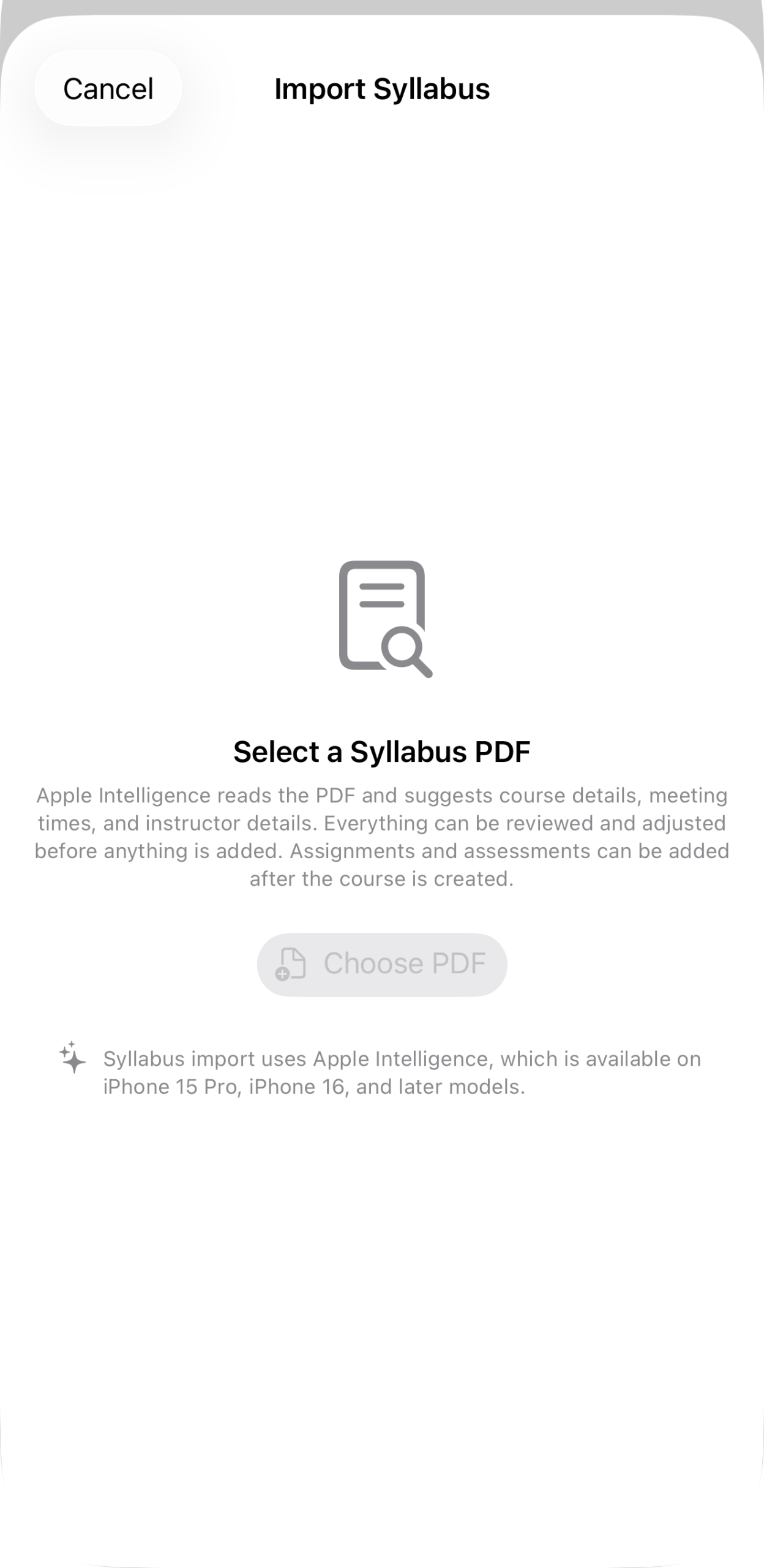
“Select a Syllabus PDF.” Apple Intelligence reads the PDF and suggests course details, meeting times, and instructor details — all of it reviewable and adjustable before anything is added. Assignments and assessments aren’t part of this step; they’re added after the course exists, either by hand (see Assignments and Assessments) or via an iCal feed (see Importing Courses via iCal).
Syllabus import requires Apple Intelligence, which means iPhone 15 Pro, iPhone 16, or later.
Tap Choose PDF and pick the file. Once Apple Intelligence has read it, you’ll review its suggestions before anything is created — the same review step covered in Reviewing an import.