
However you got here — from a syllabus PDF or an iCal feed — every import ends at the same review step. Nothing is added to your term until you tap Import, so this is the place to catch anything that looks wrong before it does.
Missing due dates
iCal feeds don’t always include a due date for every item. StudiFoca flags anything that’s missing one and won’t let you import until it’s resolved, one way or another.
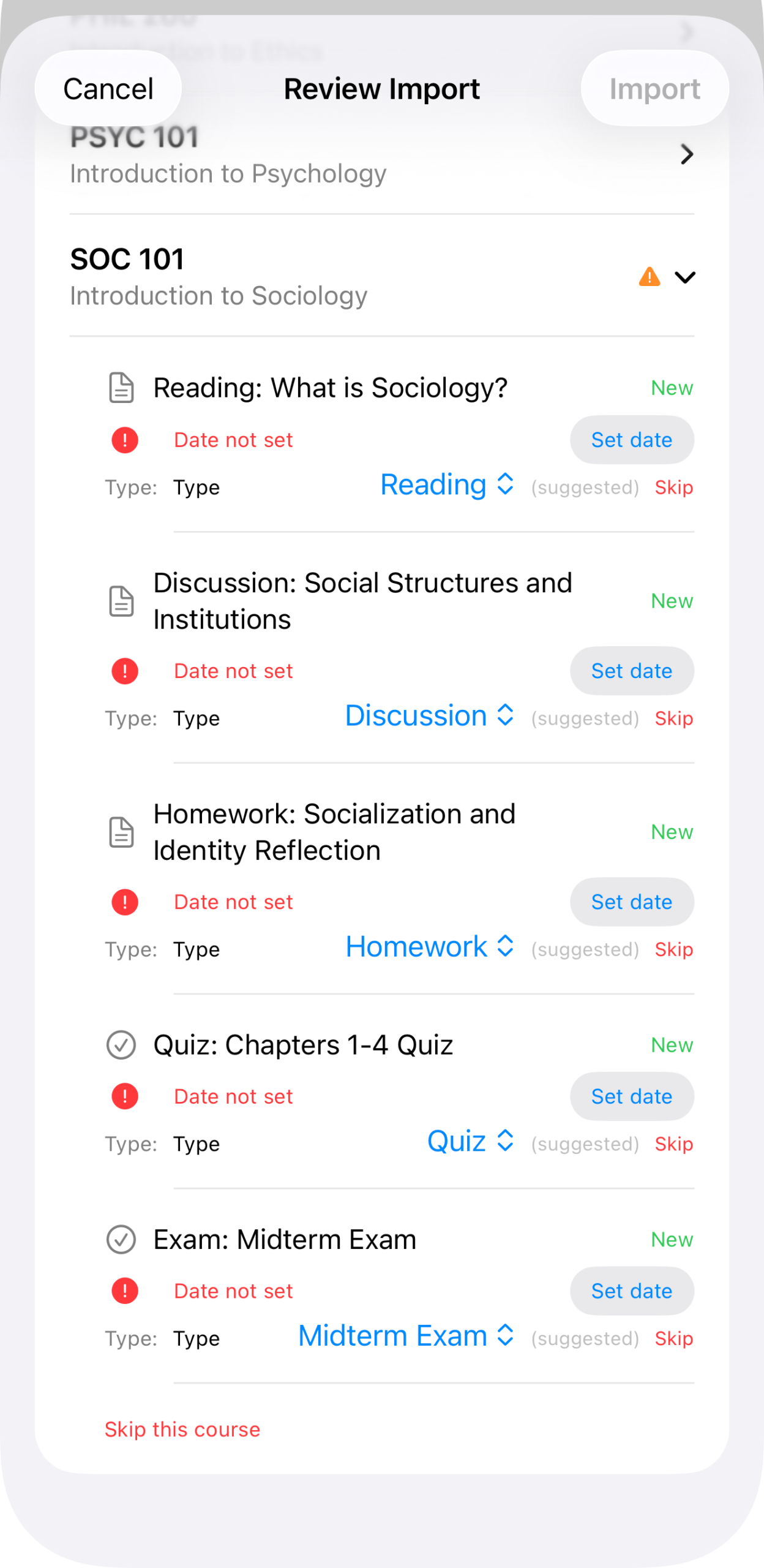
SOC 101 expanded: five items, each marked “Date not set” with a Set date button next to it. Import stays disabled while any warning is unresolved.
Set a date for each item, or skip it — skipped items just don’t come in with the rest.
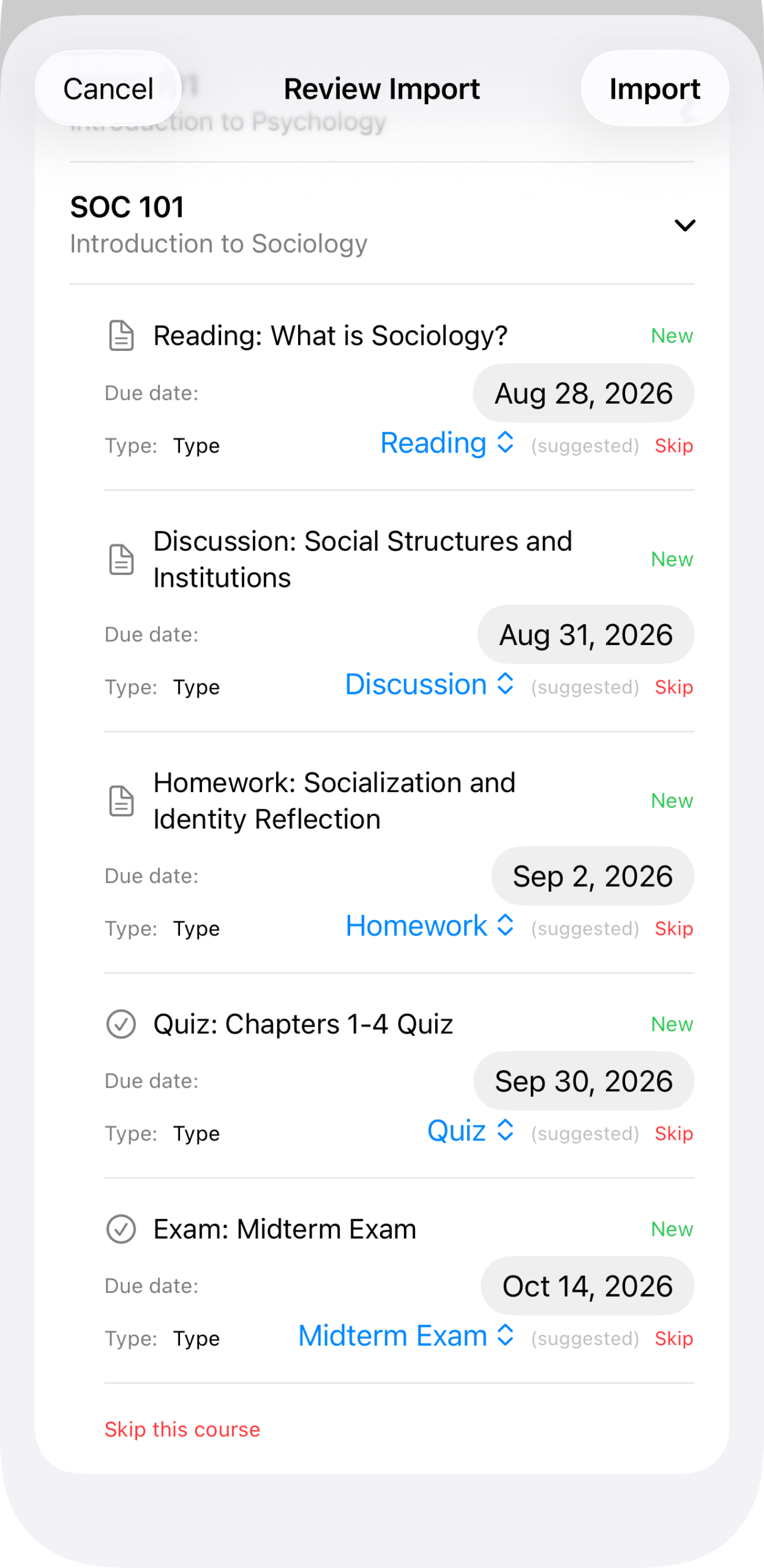
The same course, collapsed, its due dates now filled in: Aug 28, Aug 31, Sep 2, Sep 30, and Oct 14, 2026.
Reviewing suggested types
Each item also gets a suggested Type — Reading, Discussion, Homework, Lab Report, and so on — based on its title. Worth a glance, since the feed doesn’t distinguish an assignment from an assessment on its own.
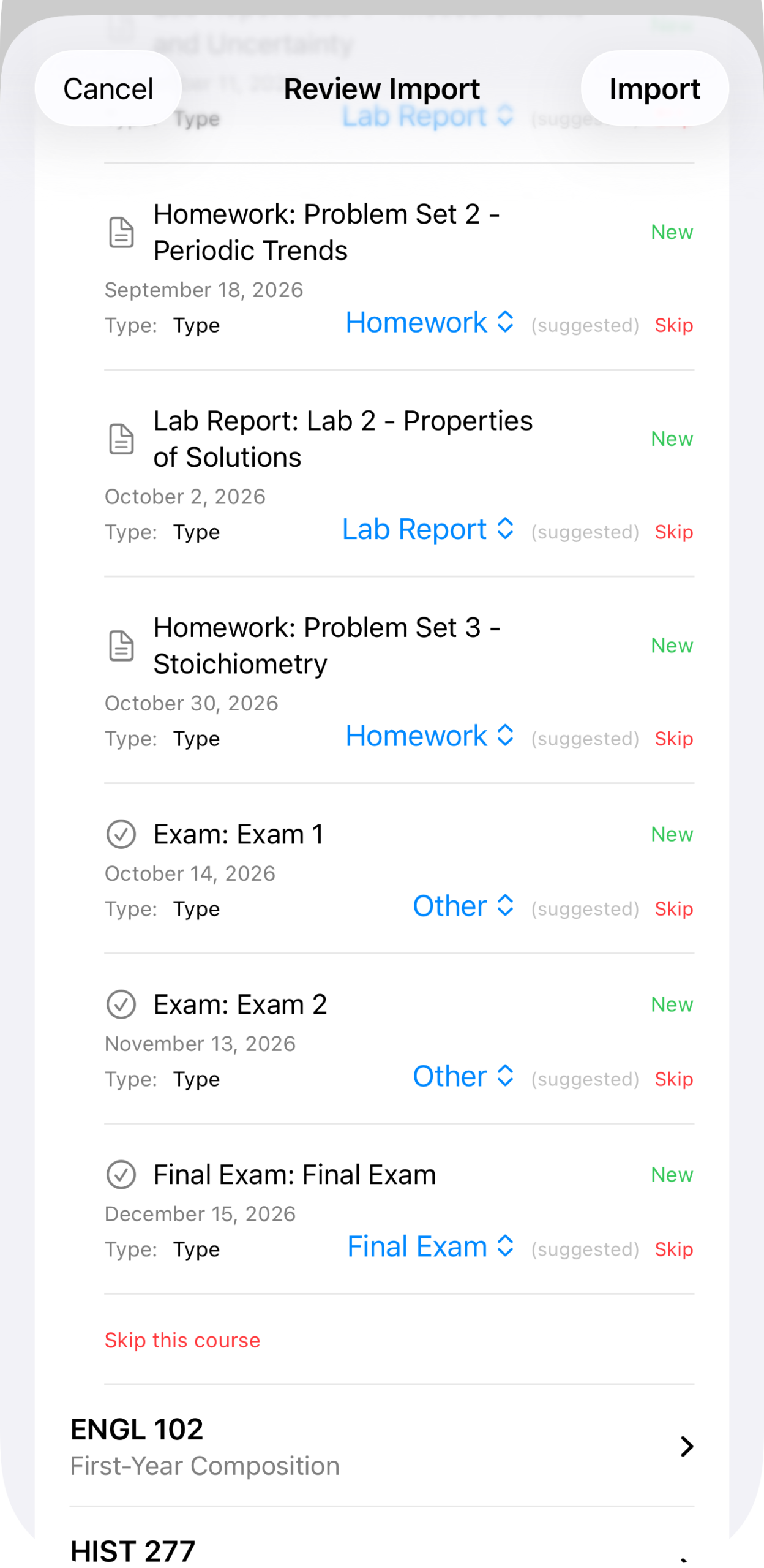
CHEM 151’s items, each with a suggested type and its due date.
Tapping a type opens the full list to pick from instead.
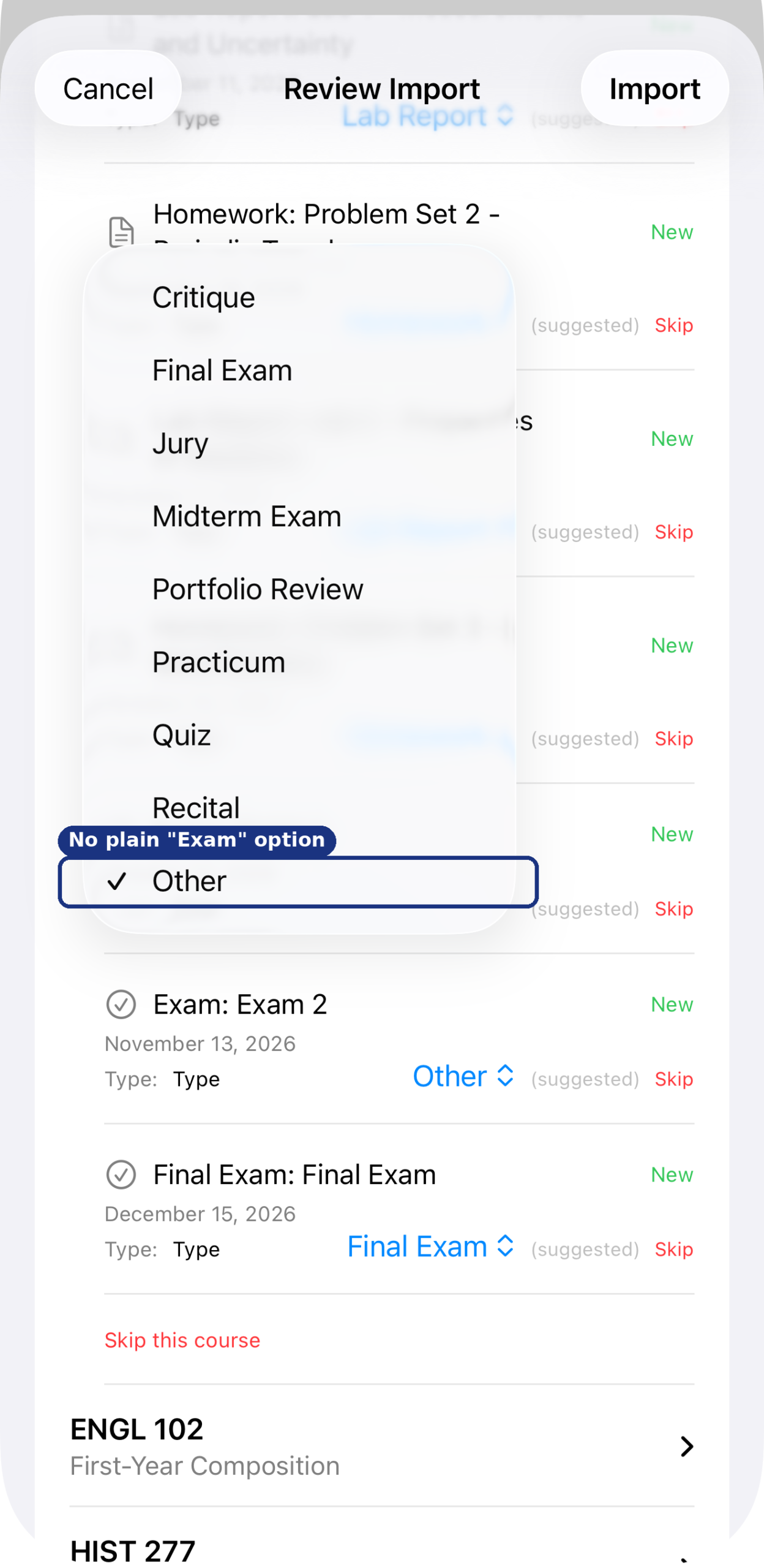
Critique, Final Exam, Jury, Midterm Exam, Portfolio Review, Practicum, Quiz, Recital, Other. There’s no generic “Exam” — a plain “Exam 1” or “Exam 2” typically lands on Other unless you retype it as a Midterm or Final Exam.
Importing
Once every warning is cleared, the course list collapses to a plain summary and Import activates.
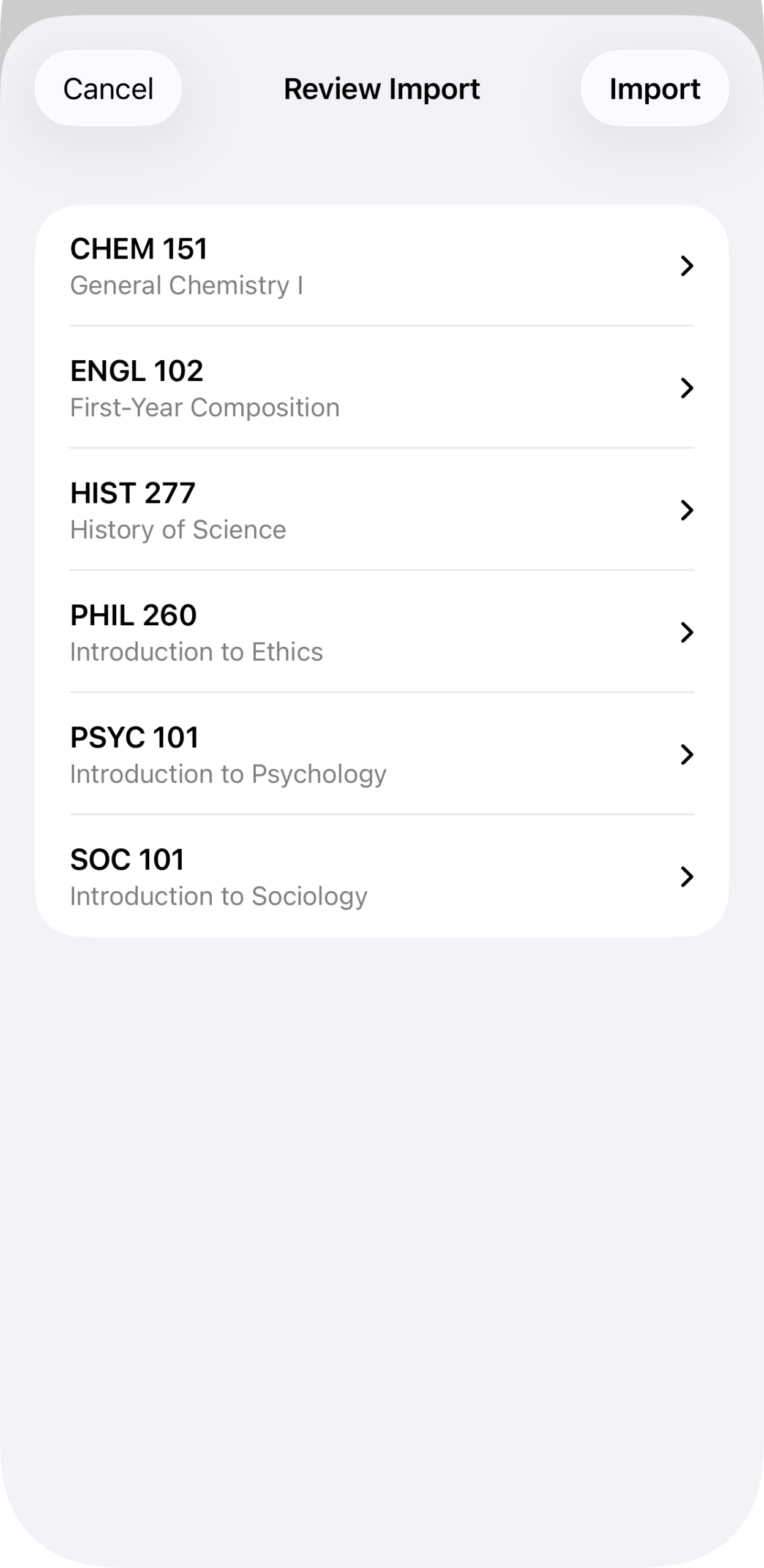
All six courses, no warnings left, ready to import.
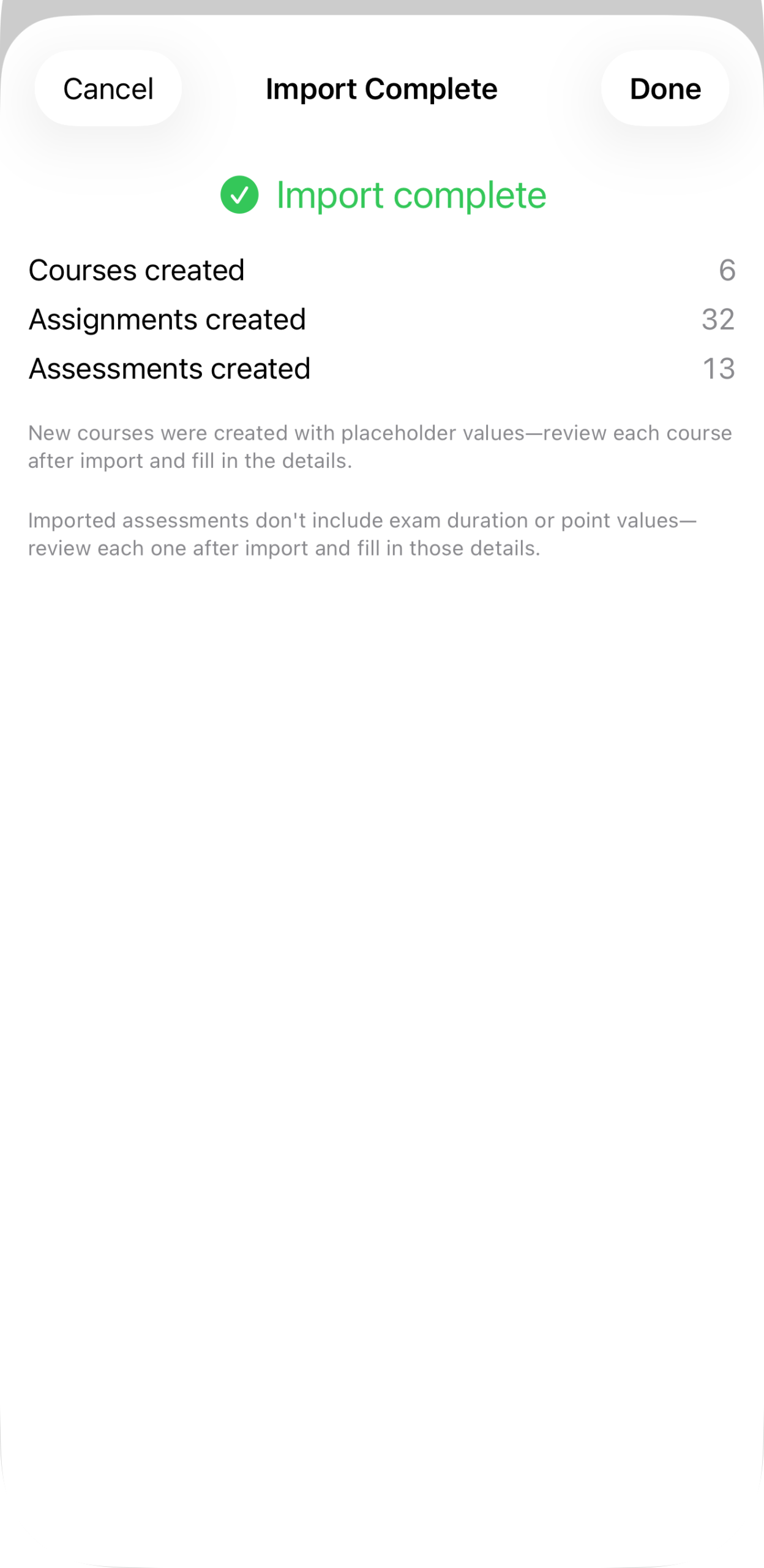
Import complete: 6 courses, 32 assignments, 13 assessments created.
Two things worth knowing about what comes out the other side: new courses are created with placeholder values for anything the feed didn’t specify — grading system, instructor details, and so on — so it’s worth a pass through each one afterward. And imported assessments don’t carry over exam duration or point values, since feeds don’t typically include either; add those by hand once you’re reviewing the assessment itself (see Assessments).