

Assessments are the formal, higher-stakes evaluations in a course — exams, quizzes, midterms, finals, and similar — as distinct from the day-to-day work tracked as Assignments (see Assignments).
The Assessments tab
Like the Assignments tab, this lists every assessment across the courses in your selected term, filterable by completion and by type (Critique, Final Exam, Jury, Midterm, and so on).
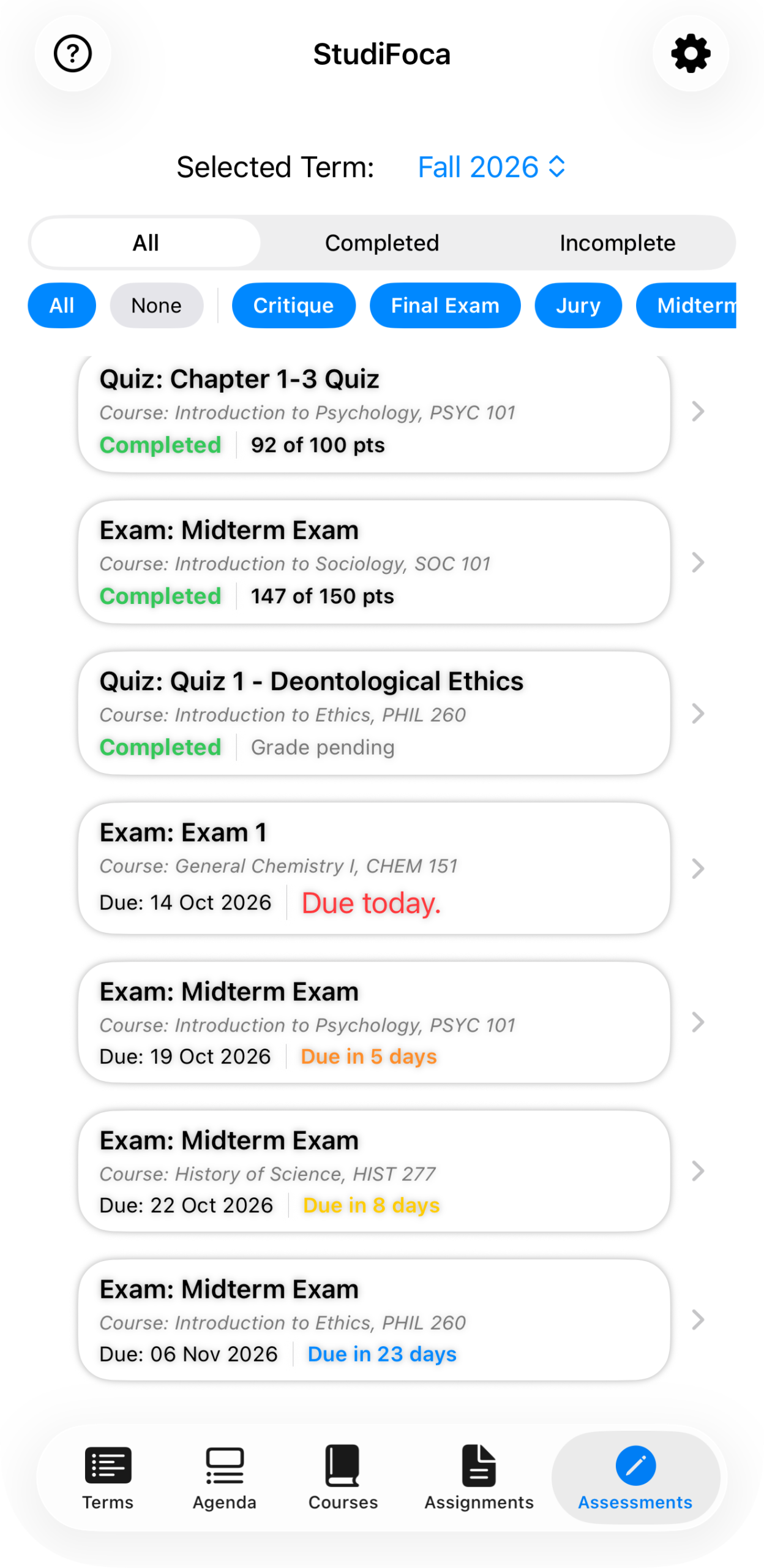
Completed quizzes and exams with scores, and upcoming exams color-coded by how soon they’re due — including one due today, called out in red.
Tapping into one shows what it’s worth, whether it’s complete, and your grade if it’s been entered.
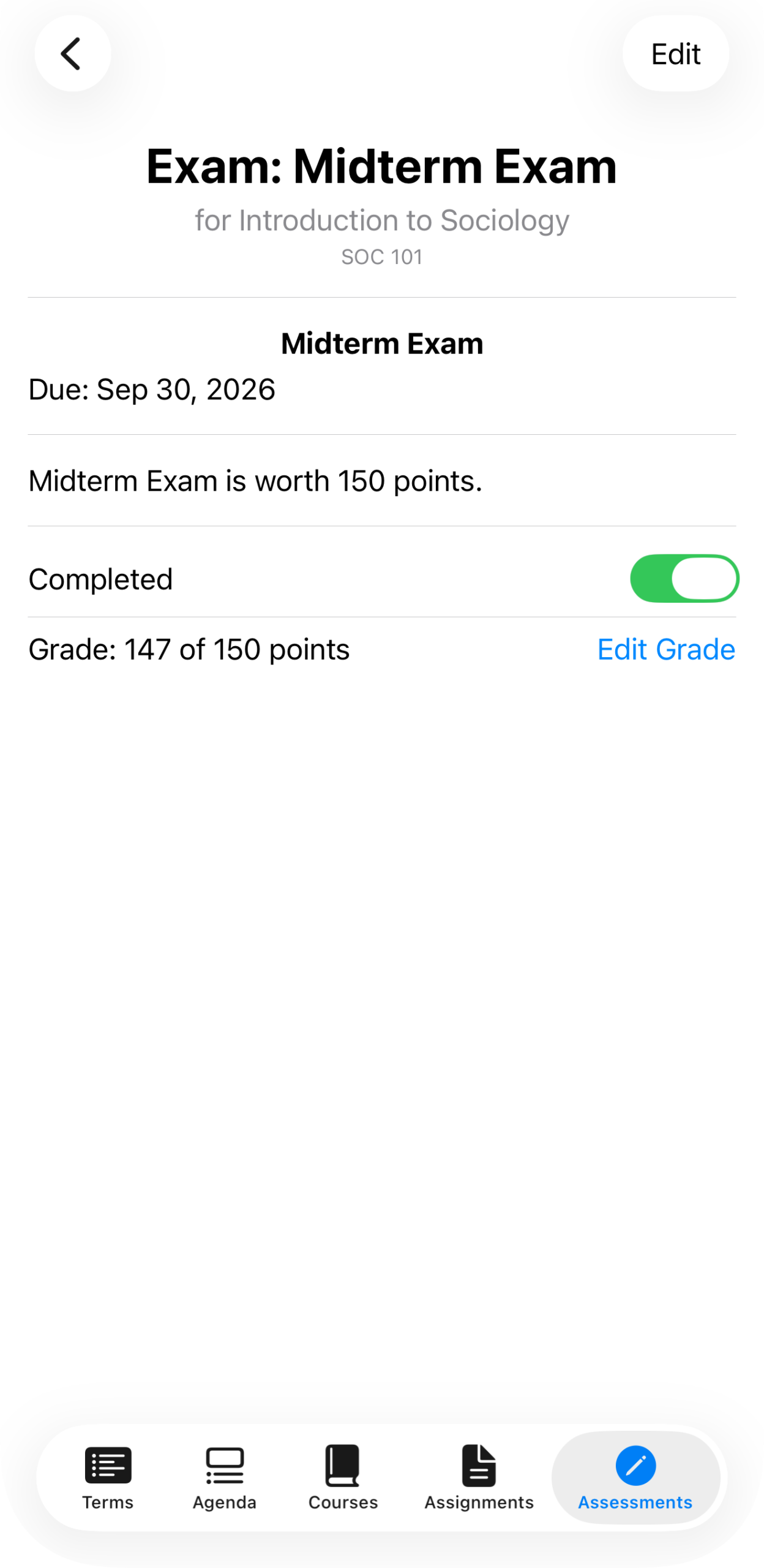
“Exam: Midterm Exam” for Introduction to Sociology (SOC 101) — due date, point value, a Completed toggle, and grade entry once it’s done.
Adding an assessment
From a course’s … menu, choose Add Assessment — the same menu used to add an assignment.
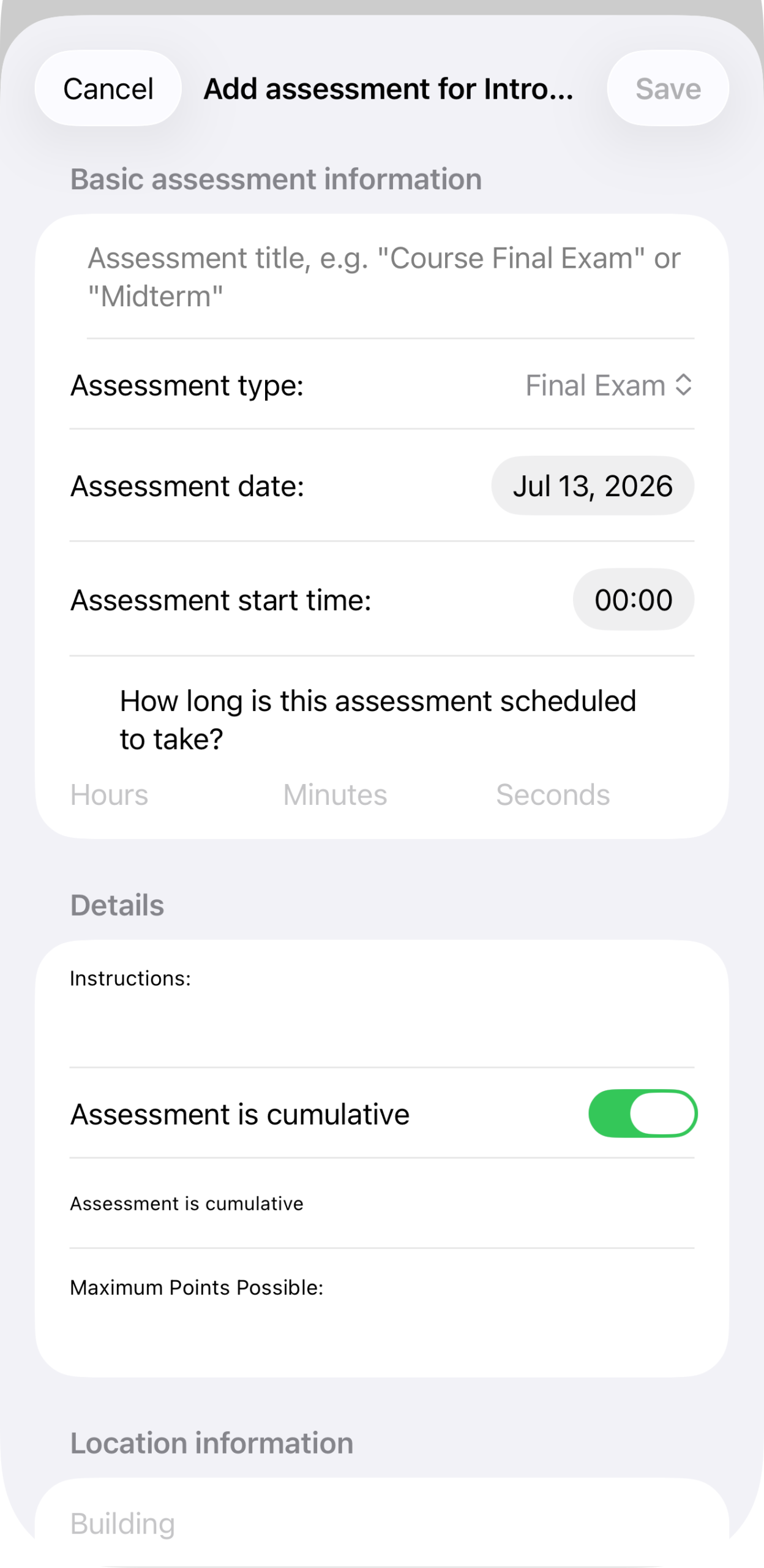
The Add Assessment form, empty: title, type (defaults to Final Exam), assessment date and start time, and how long it’s scheduled to take, in hours, minutes, and seconds.
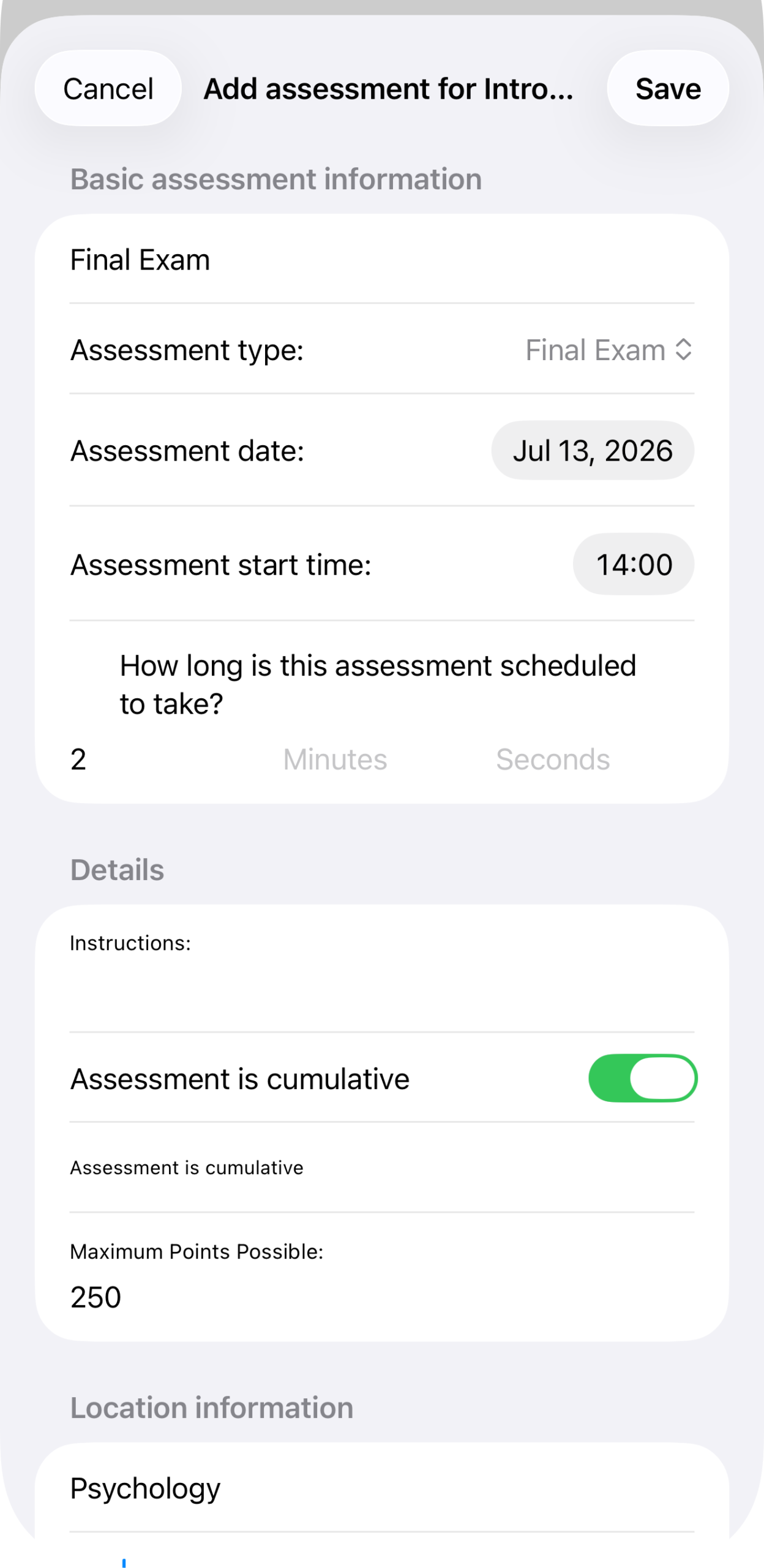
Filled in: title Final Exam, cumulative toggled on, worth 250 points, and location information underneath (building, room, and so on).
Tap Save to add it to the course. As with assignments, assessments you add manually here are separate from anything brought in by an import — see Importing Courses from Syllabus or Importing Courses via iCal for that path.