
If your school publishes an iCal calendar feed — Canvas and Brightspace both do — StudiFoca can pull every course, meeting time, assignment, and assessment from it in one pass, rather than adding each course and its work by hand.
Finding your feed URL
From a term’s … menu, choose Import from iCal Feed.
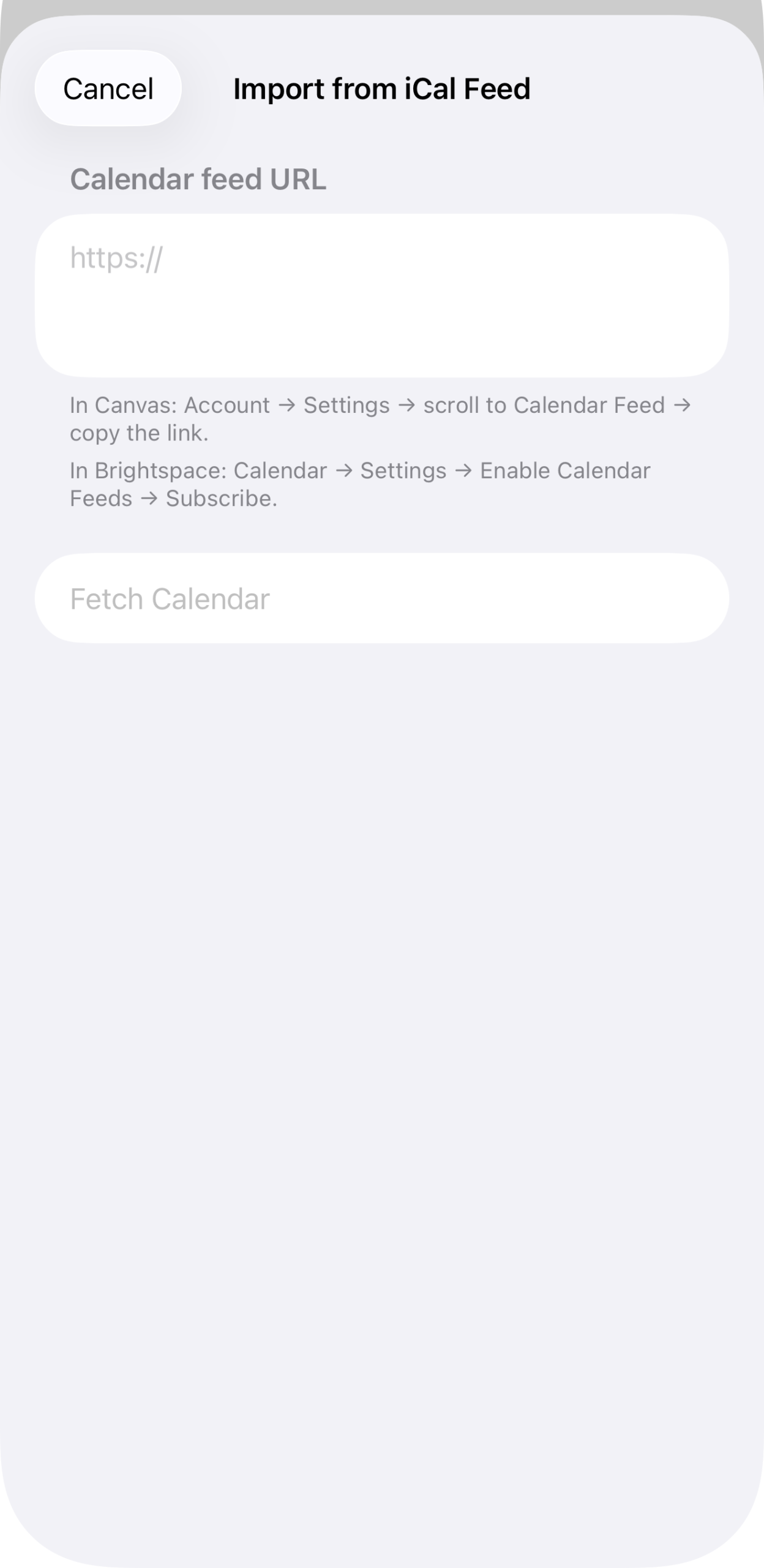
Paste the calendar feed URL. In Canvas: Account → Settings → scroll to Calendar Feed → copy the link. In Brightspace: Calendar → Settings → Enable Calendar Feeds → Subscribe.
Tap Fetch Calendar once you have the URL in place.
The free-tier limit
On the free tier, only the first two courses in the feed import. The rest are visible but locked until you unlock Full Load.
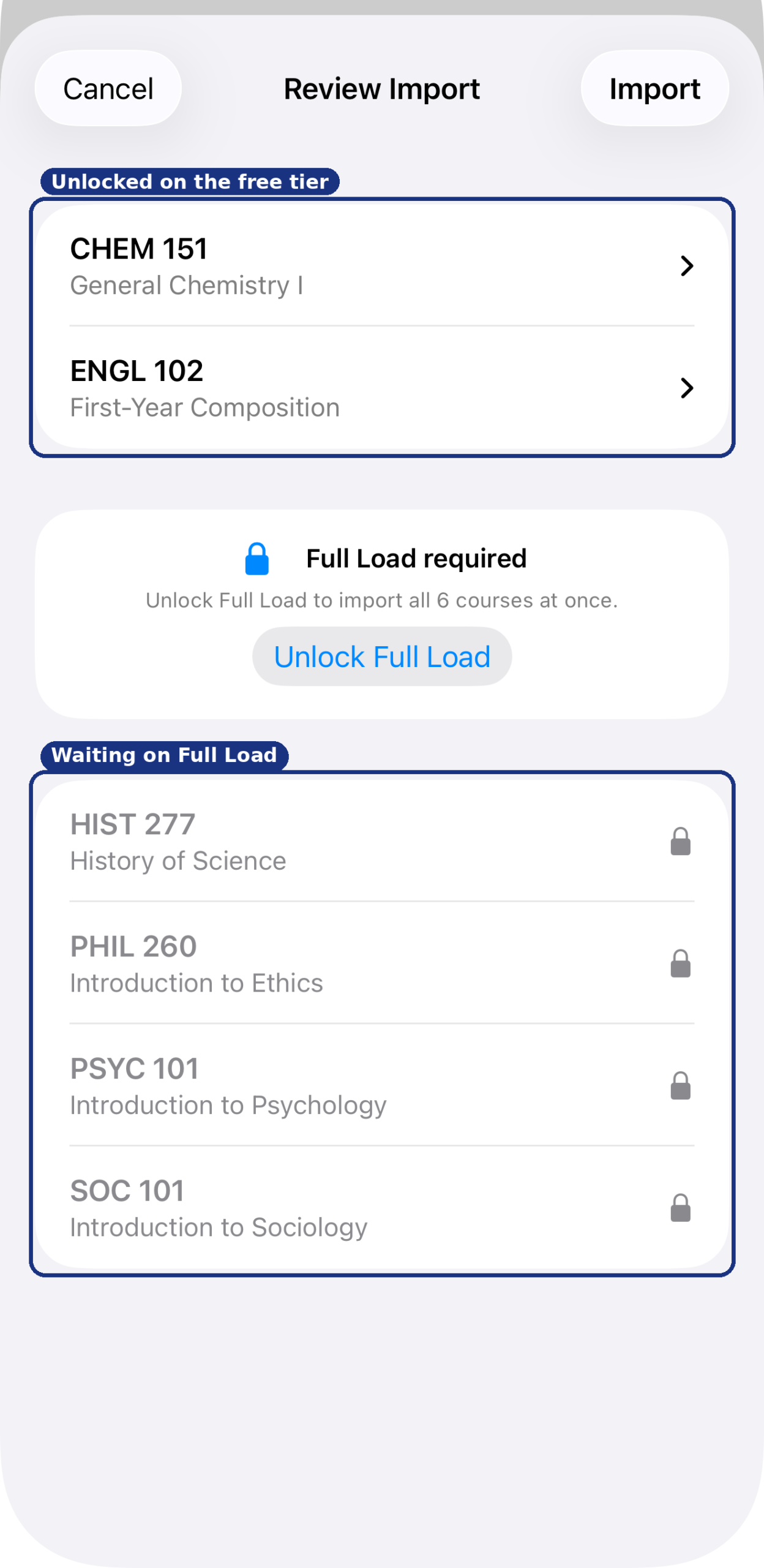
CHEM 151 and ENGL 102 unlocked; HIST 277, PHIL 260, PSYC 101, and SOC 101 waiting behind Full Load.
With Full Load unlocked, every course in the feed is available to import.
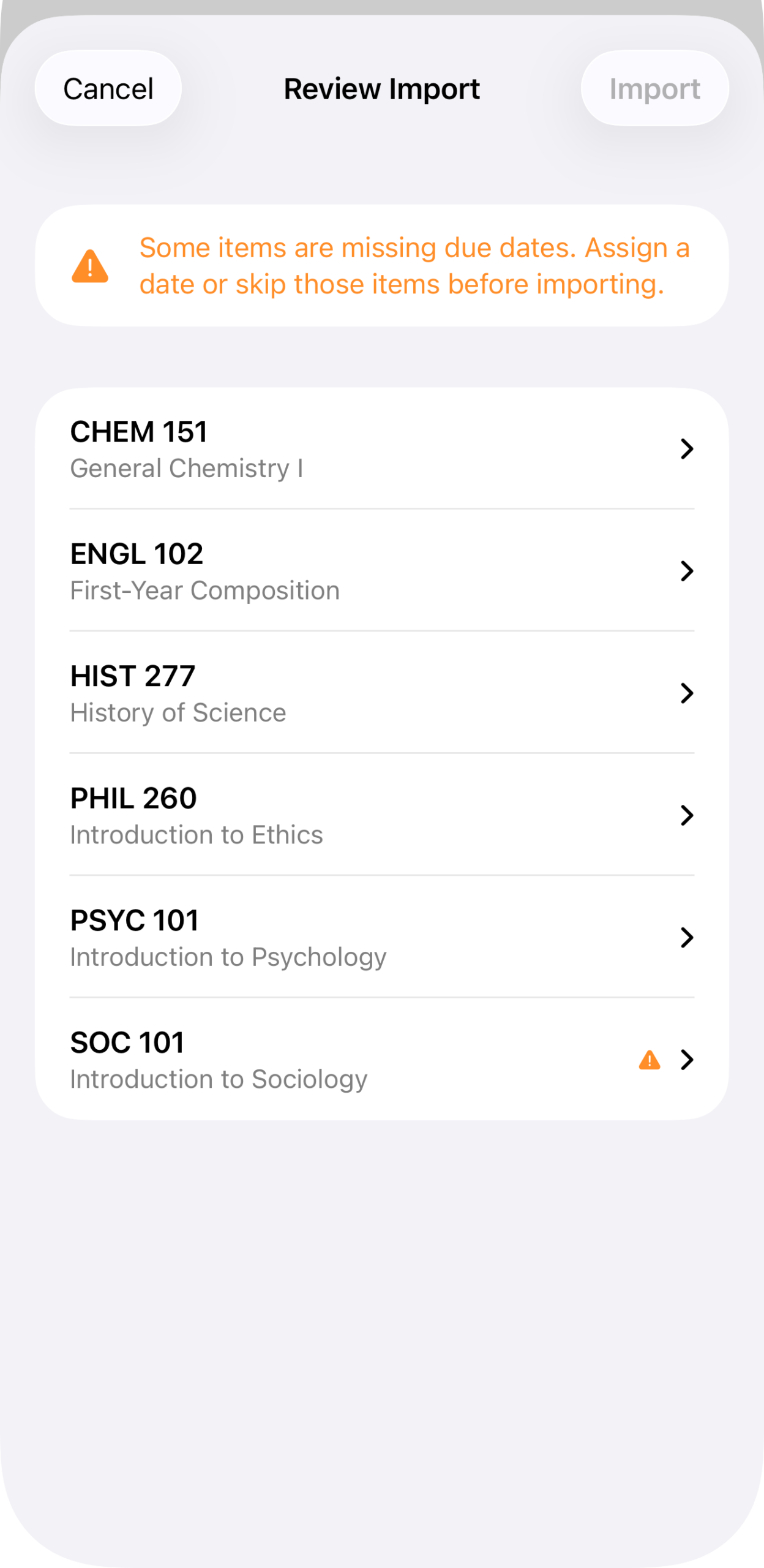
All six courses unlocked. From here, the process continues into the shared review step — see Reviewing an import for what happens next, whether you got here from a syllabus or from an iCal feed.