
Full Load is StudiFoca’s one in-app purchase: a single unlock that removes the free tier’s one-term, two-course ceiling for good.
What it unlocks
- Unlimited terms. Keep every semester, quarter, or session in the app instead of starting over each time.
- Every course in a term, tracked the same way as the first two — full grade calculation, assignments, assessments, and step breakdowns.
- The full iCal import. StudiFoca can read your whole schedule from Canvas or Brightspace either way, but only the first two courses import without Full Load.
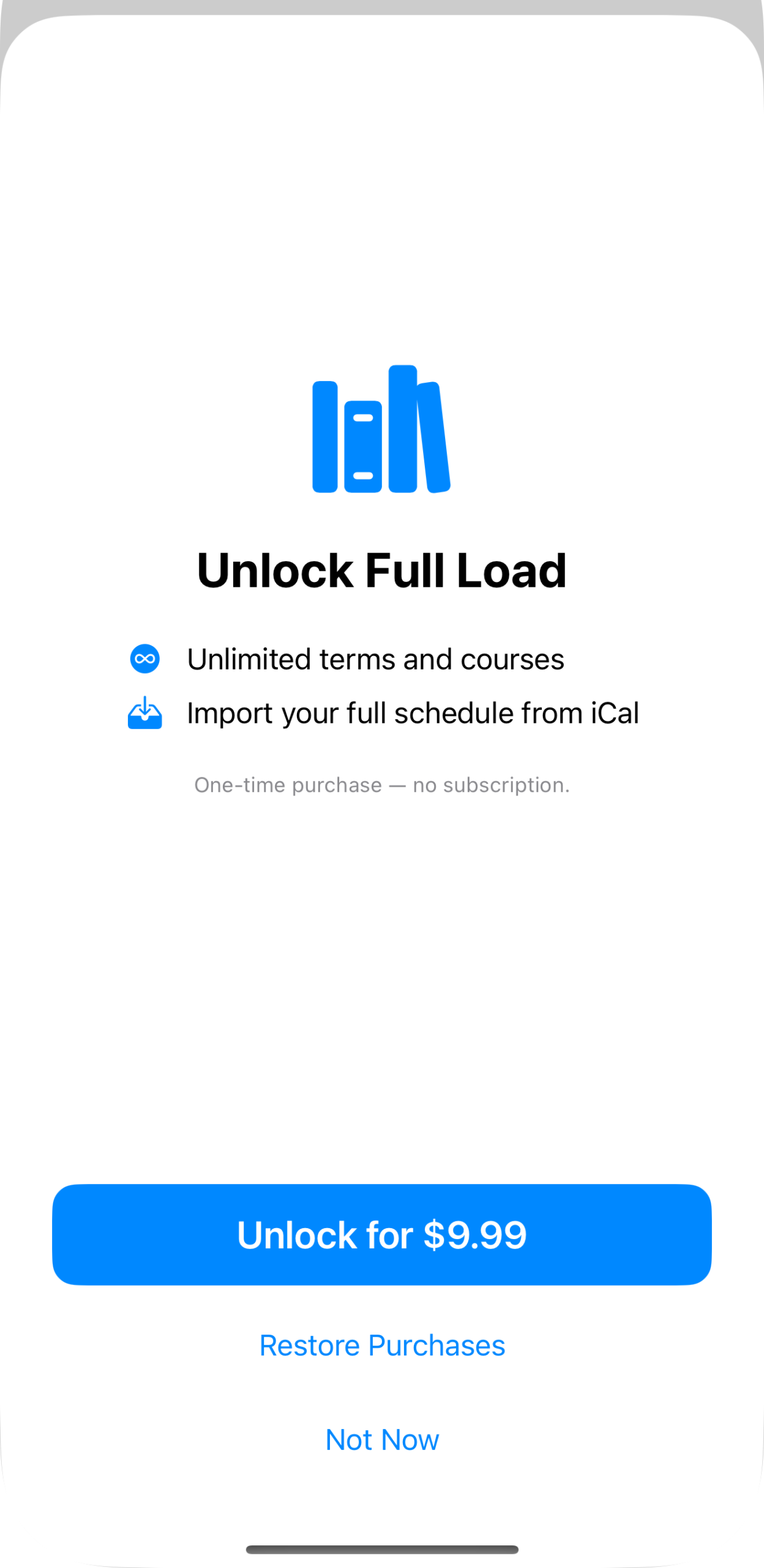
The purchase screen: unlimited terms and courses, the full iCal import, and the one-time price. No subscription — see The free tier—what you get for the price and the thinking behind it.
Where the ceiling shows up
The free tier isn’t a trial — it’s a genuinely complete version of StudiFoca for one term and up to two courses. Most people meet the limit for the first time while importing from an iCal feed: StudiFoca reads the whole schedule, but only two of however many courses come in.
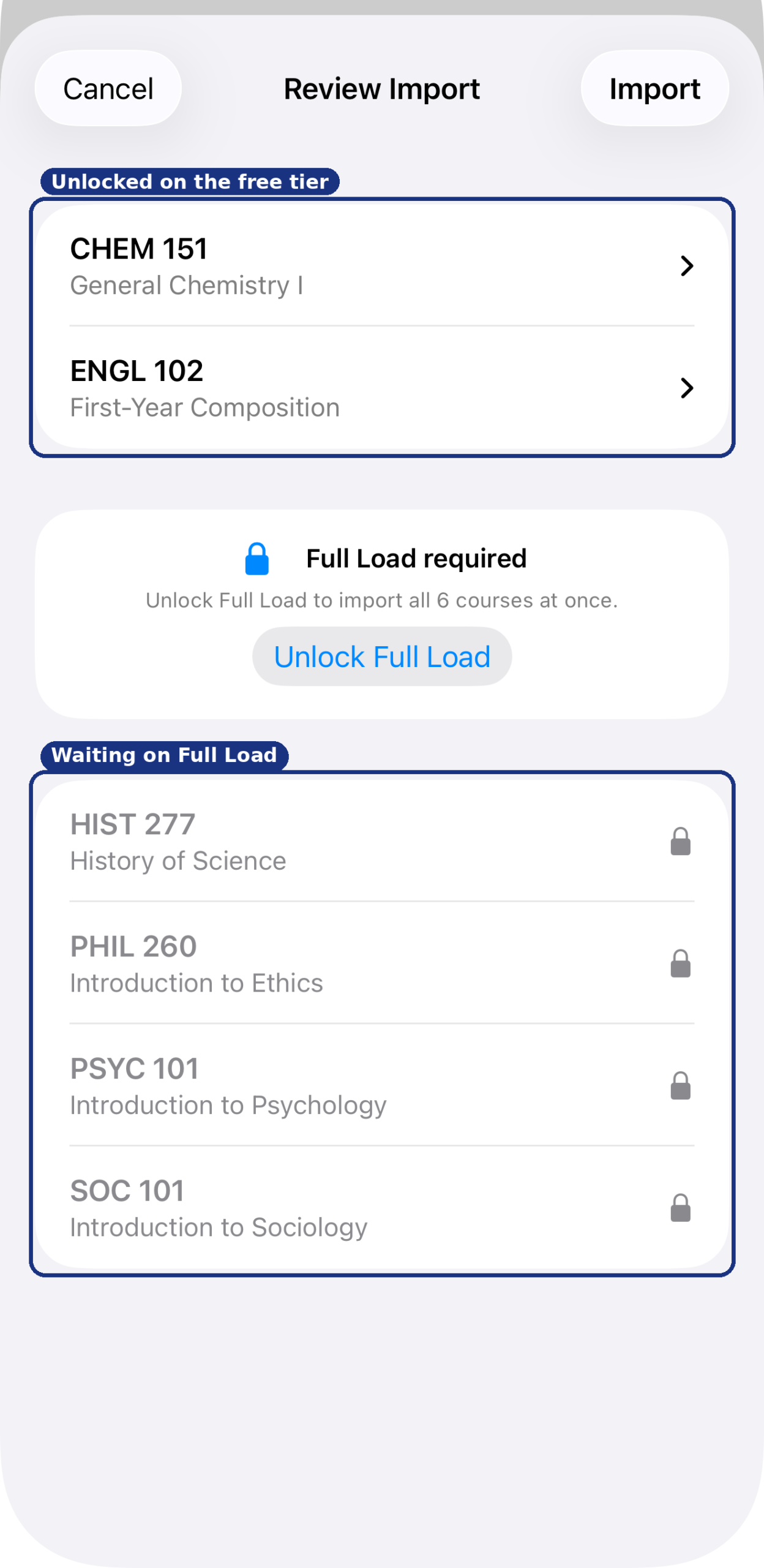
Two of six courses unlocked here; the rest wait behind Full Load.
You can unlock from this screen directly, by attempting to add a second Term (from the Terms tab’s + menu), or a third Course (from the Courses tab’s + menu). Courses that were waiting import the same way the first two did — nothing about them is different once Full Load is on.