

Any assignment can be broken into smaller steps — useful the moment “write the paper” feels too big to start. For what a block actually measures and why StudiFoca doesn’t run a countdown while you work, see Blocks and steps.
Starting a breakdown
From an assignment’s detail view, tap Start Working.
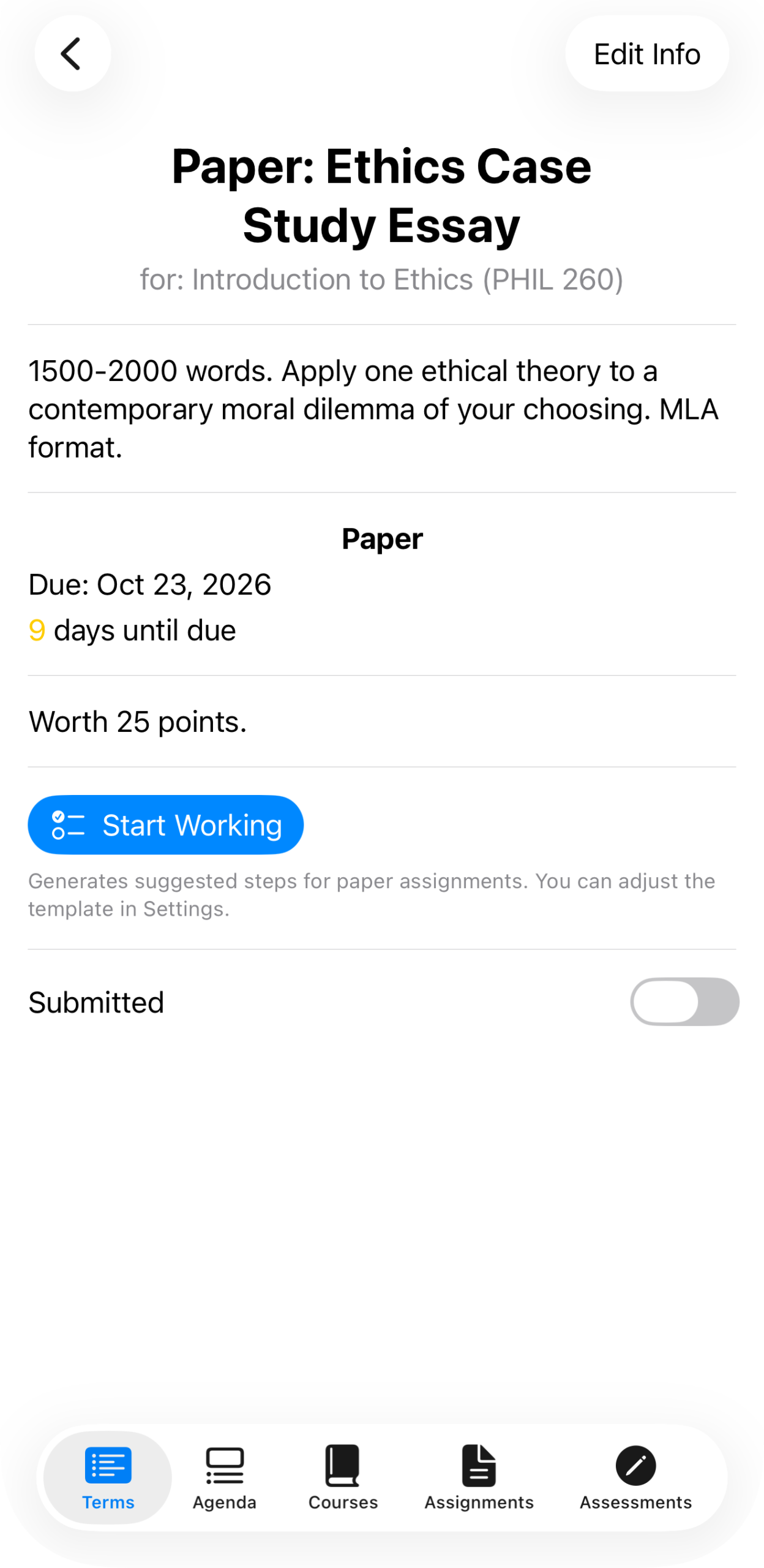
“Paper: Ethics Case Study Essay” for Introduction to Ethics (PHIL 260), due in 9 days, with Start Working visible above the Submitted toggle.
StudiFoca generates a suggested set of steps sized in blocks, based on the assignment’s type — this one uses the Paper template.
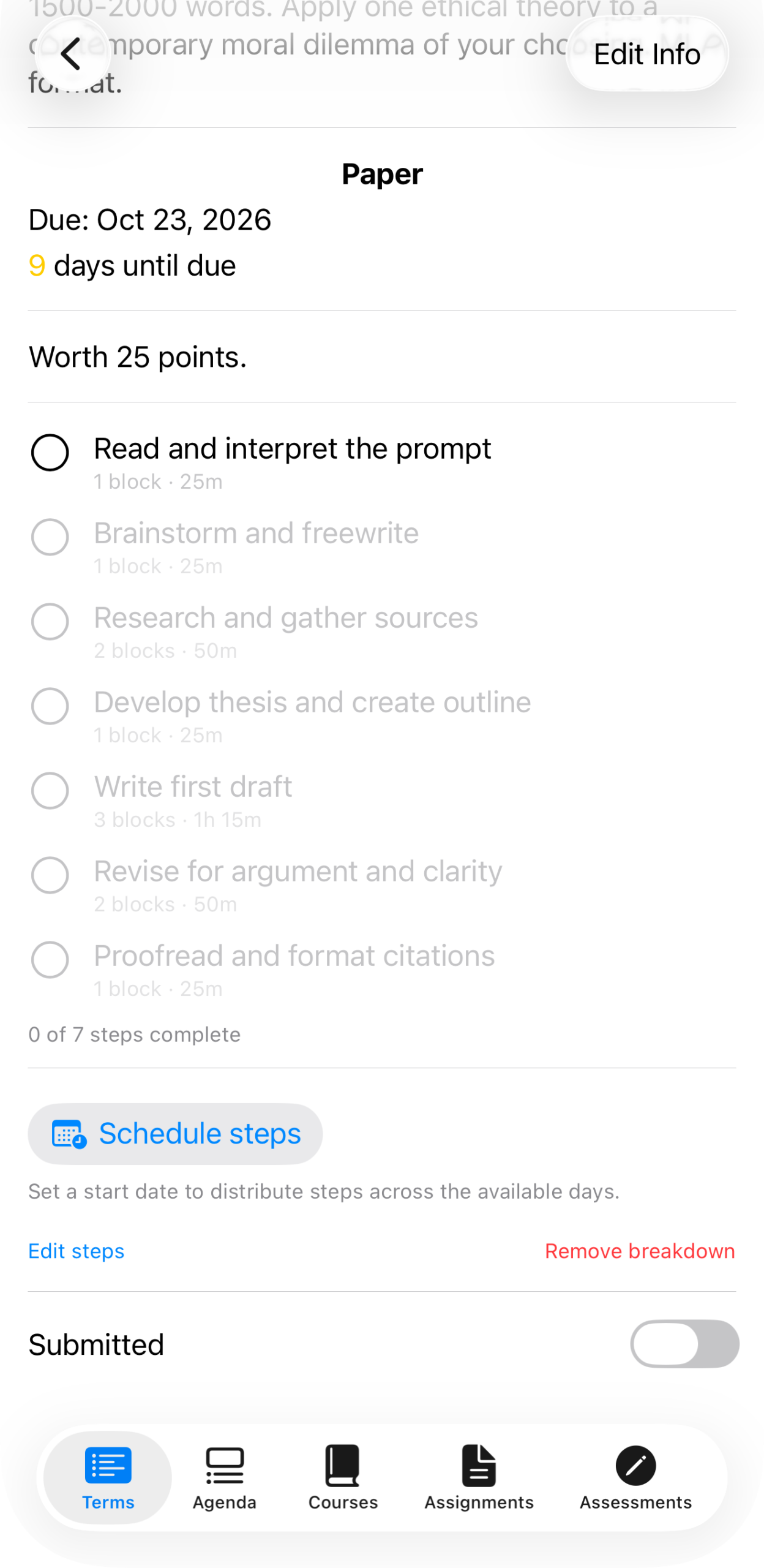
Seven steps: Read and interpret the prompt (1 block), Brainstorm and freewrite (1 block), Research and gather sources (2 blocks), Develop thesis and create outline (1 block), Write first draft (3 blocks), Revise for argument and clarity (2 blocks), Proofread and format citations (1 block). “0 of 7 steps complete” underneath.
Check off steps as you go — StudiFoca timestamps each one as it’s completed.
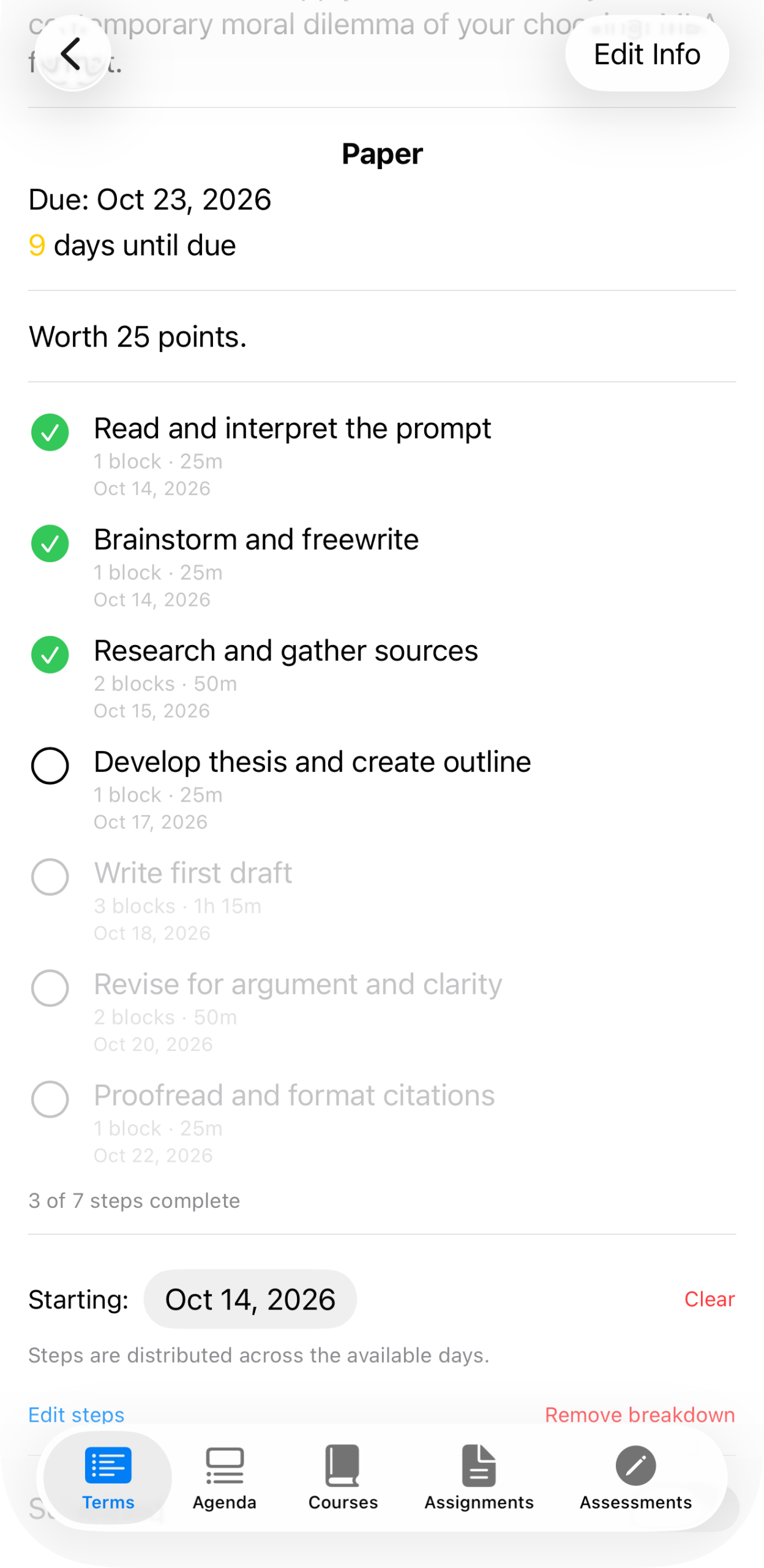
The same assignment partway through: three steps checked off with completion dates, “3 of 7 steps complete.”
Adjusting the steps themselves
Edit steps lets you rename a step or change its block estimate without starting over.
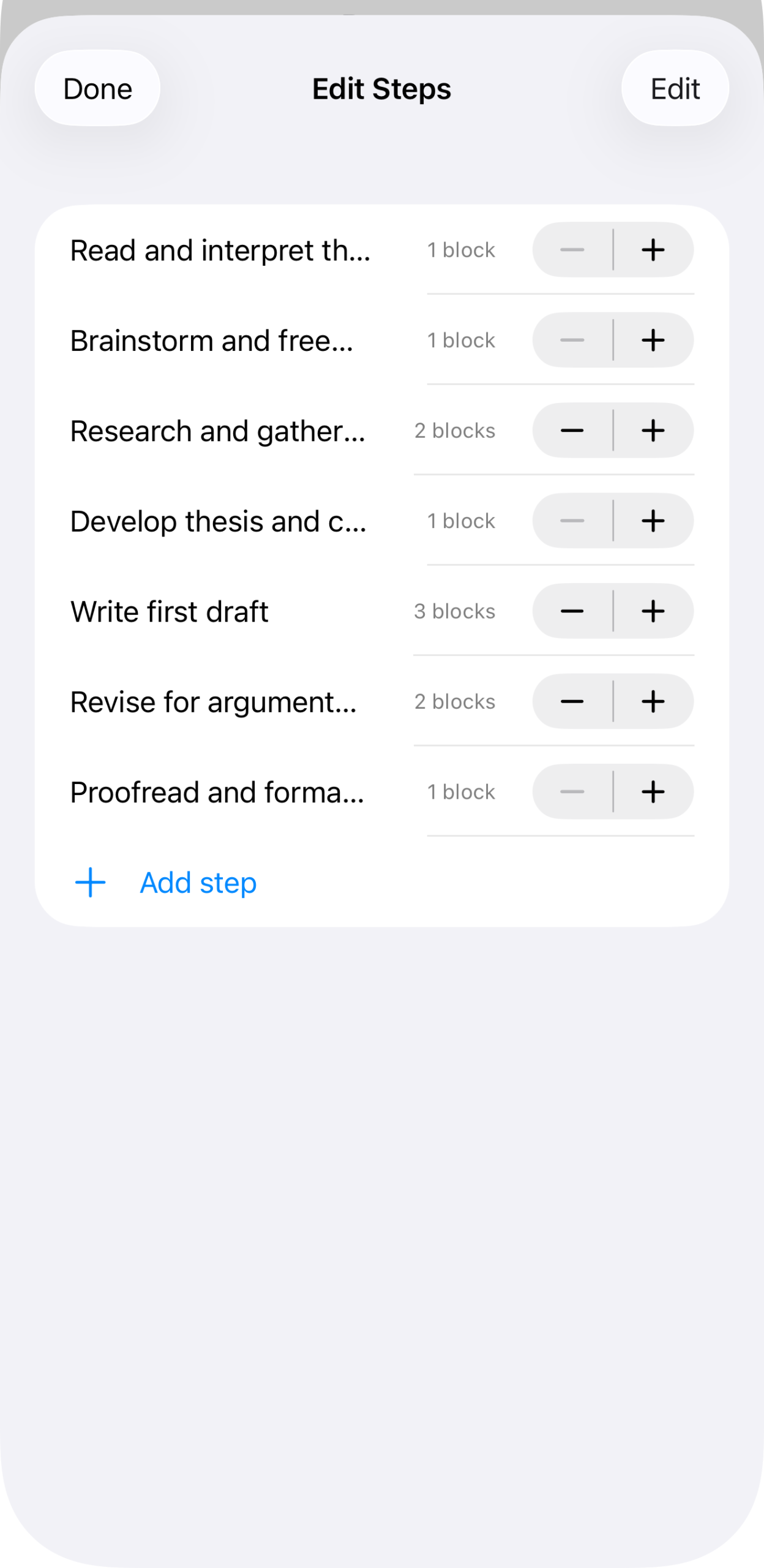
Each step with a block-count stepper and an Add step option at the bottom.
Steps generated this way come from a template — see Settings for how to adjust what StudiFoca suggests for each assignment type going forward, and Remove breakdown if you’d rather clear the steps and start over.
Once a breakdown exists, two more things become available: scheduling the steps onto specific days (see Scheduling steps to your Agenda) and syncing them to iCloud Reminders (see Syncing steps to Reminders).