

Once an assignment has a breakdown, scheduling answers one question: which day does each step’s work actually land on?
Working backward from the due date, forward from today
Give the scheduler a Starting date, and it distributes the remaining steps across the days between there and the due date — in order, respecting each step’s block size, so a 3-block step isn’t quietly squeezed into the same day as two other steps.
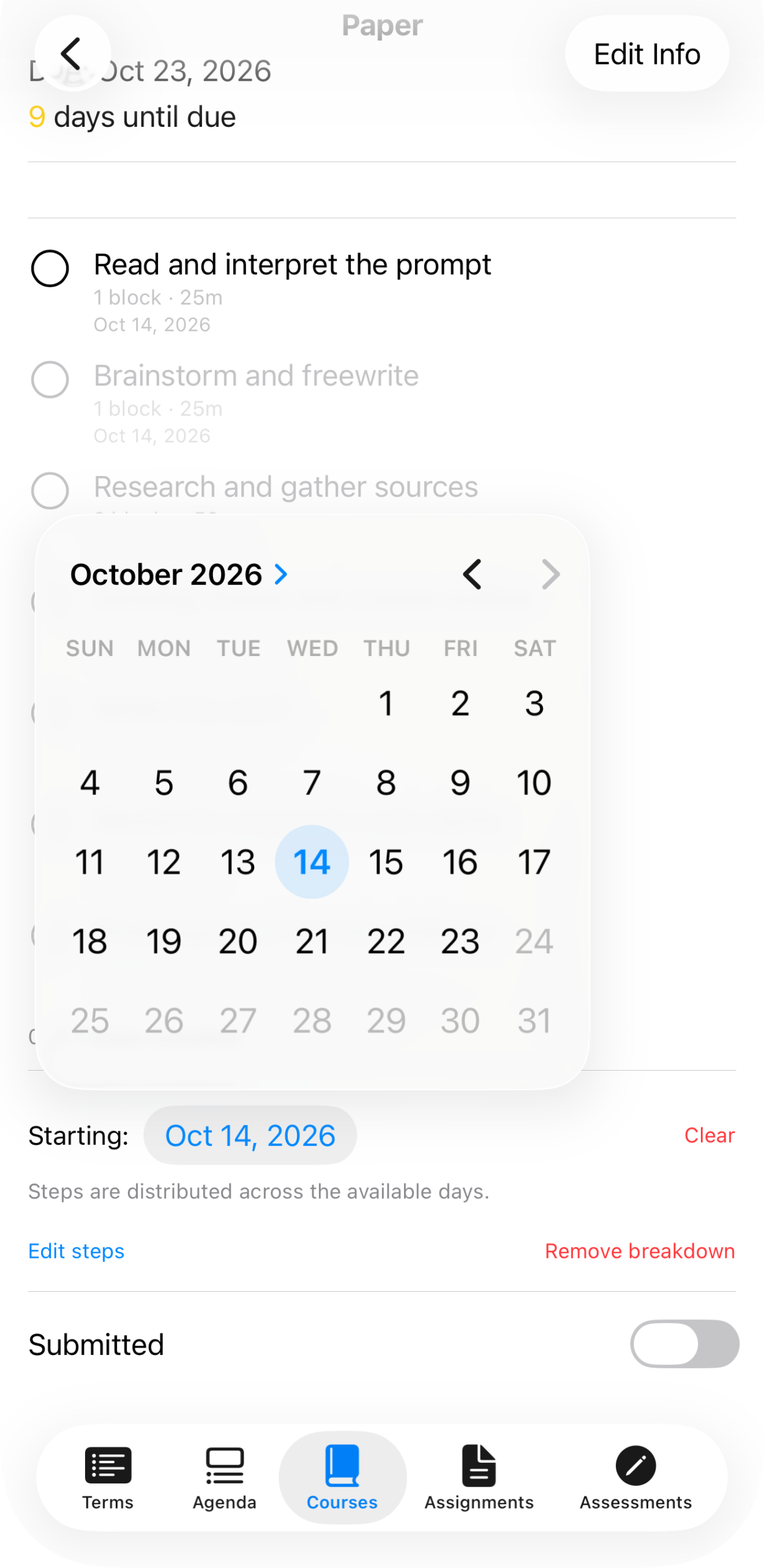
Starting Oct 14, 2026 — the scheduler works out how to spread seven steps across the days remaining before the paper is due Oct 23.
It doesn’t try to spread work perfectly evenly, and it isn’t aware of your other courses’ deadlines when it places a step — it’s solving one assignment’s steps against one assignment’s due date. Where multiple assignments’ steps land on the same day is exactly what the workload heat map is for: seeing the collision after the fact, rather than the scheduler trying to prevent it before you’ve even looked at the week.
What “scheduled” changes
A scheduled step shows up on your Agenda on the day it’s assigned to, alongside your classes and anything else due that day.
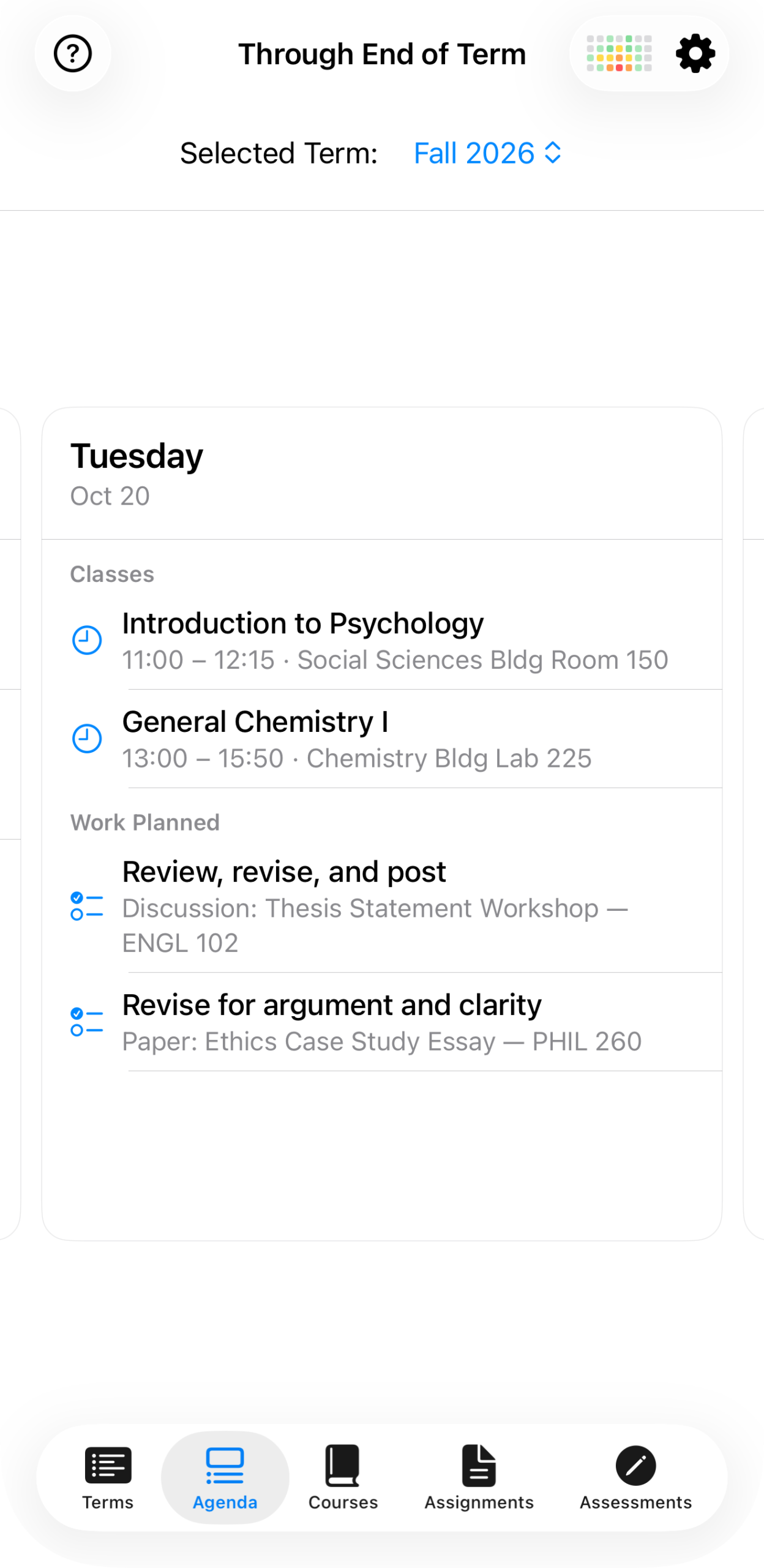
Tuesday, Oct 20 — a class meeting alongside two scheduled steps from two different assignments, sitting together the way the actual day will feel.
Nothing about the step itself changes — it’s still worth the same number of blocks, still checked off the same way. Scheduling just answers when, so the breakdown stops being an undifferentiated list and starts being a plan for the week you’re about to have.
Clearing the start date undoes the placement, not the breakdown — the steps go back to being unscheduled, still there, still gradable as done or not done, just not tied to a particular day anymore.